
A quiet signal reveals more than it seems.

Phones are full of visual cues that rarely demand attention. Icons shift, colors flash, and small indicators appear and vanish as part of normal use. Most are easy to ignore because they confirm expected behavior.
The orange dot behaves differently. It shows up briefly, without explanation, and often at moments that do not seem connected to sound. Many people notice it only after long periods of use. Once recognized, it subtly changes how the screen is read, turning a familiar interface into something more revealing.
1. The first appearance of the orange dot often slips by.

The dot usually appears while opening an app or moving between screens. It sits near the top of the display for a moment, then disappears without interrupting anything else.
Because there is no alert or prompt, most users continue as usual. The indicator is designed to be noticed without demanding action. Recognition tends to arrive gradually, after repeated encounters rather than a single obvious event.
2. Apple added the dot to make sensitive access visible.

The dot was introduced as a way to surface activity that once stayed hidden in settings. It exists to show when certain protected features are being used.
When an app accesses the phone’s microphone, the indicator appears in real time. Apple chose visibility over silence, allowing users to see access as it happens instead of relying only on permissions granted long ago.
3. Many apps use the microphone in unexpected moments.

The dot often appears while scrolling, typing, or navigating familiar apps. These actions do not obviously involve audio, which makes the timing noticeable.
Some apps briefly activate the microphone to support voice features, syncing, or system checks. The indicator reflects access, not intent. It shows that the microphone was engaged, without explaining why or for how long.
4. Short flashes usually come from background processes.
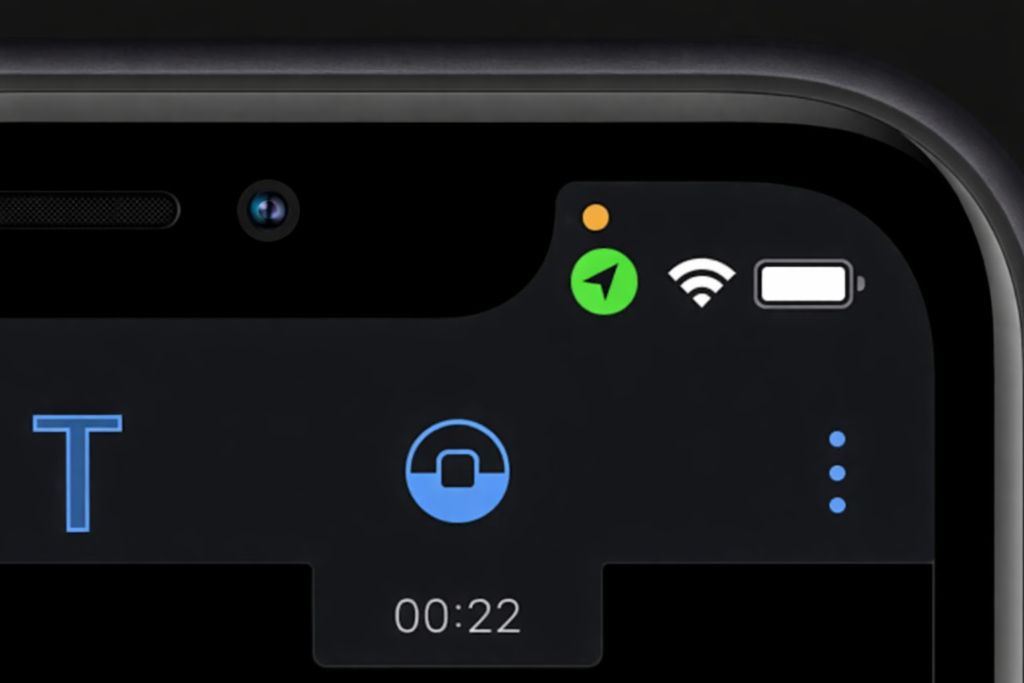
In some cases, the dot appears and disappears within seconds. These brief flashes are easy to miss but tend to stand out when noticed.
Such moments often reflect automated app or system processes running in the background. These checks activate the microphone briefly, then release it. The phone reports the access consistently, even when it happens quickly and without interaction.
5. Seeing the dot does not automatically signal a problem.

The presence of the indicator does not mean your phone is recording conversations or storing audio. It simply marks that a sensitive feature is active.
Phone calls, video recording, voice messages, and accessibility tools all rely on microphone access. The dot does not judge intent or outcome. It signals activity without labeling it as good or bad.
6. Existing permissions shape how often it appears.
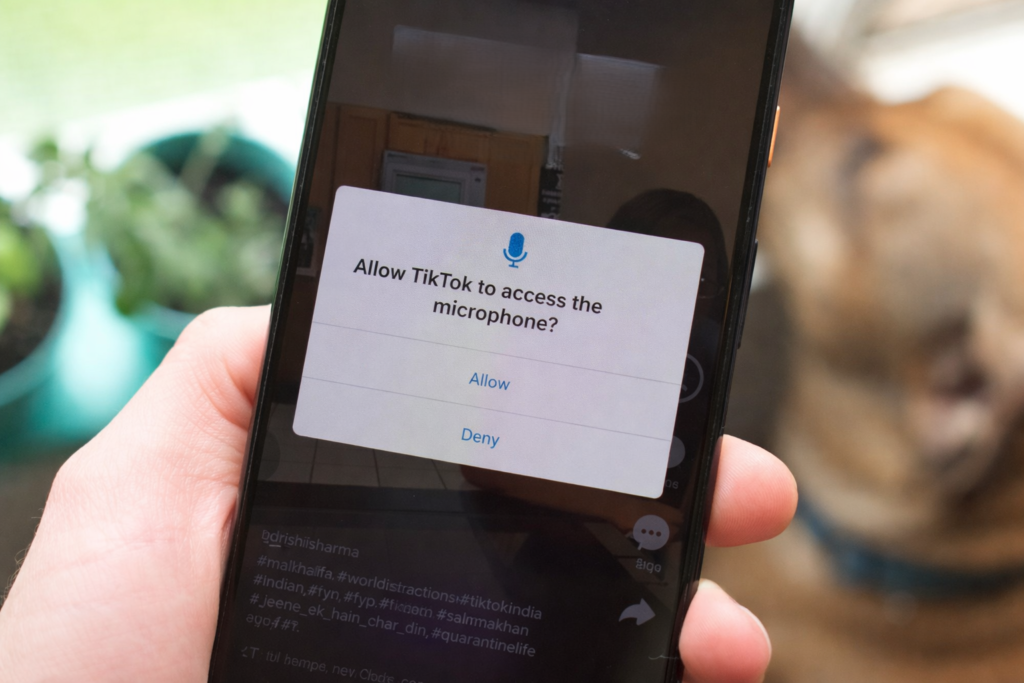
Apps that already have microphone permission can activate it without asking again. Over time, those permissions are easy to forget.
When such apps use the microphone, the dot appears without additional context. The phone is following prior consent exactly as given. The indicator acts as a reminder of ongoing access rather than a warning of new behavior.
7. Updates can change when the indicator shows up.

System and app updates regularly adjust internal features. These changes can affect when hardware components are accessed.
After updates, users may notice the dot appearing in new situations. Often the access itself is not new. What has changed is that the system is now showing it more clearly than before.
8. The dot treats every app the same way.
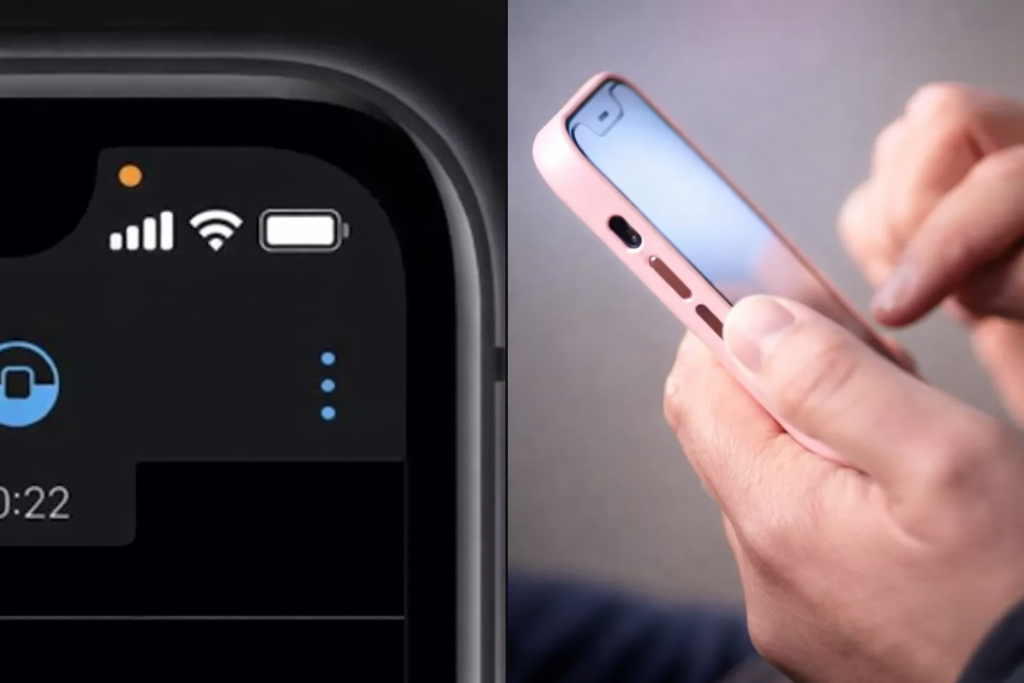
The indicator looks identical regardless of which app triggers it. A trusted app and an unfamiliar one produce the same signal.
This uniformity avoids judgment. The system does not evaluate risk or intent. It reports access consistently and leaves interpretation to the user.
9. Over time, the dot becomes a quiet reference point.

As people notice the indicator more often, patterns start to emerge. Certain apps trigger it regularly, others rarely.
Without alerts or explanations, the dot encourages observation. Users begin understanding their phone’s behavior through repetition rather than instruction.
10. The indicator reflects a broader design shift.
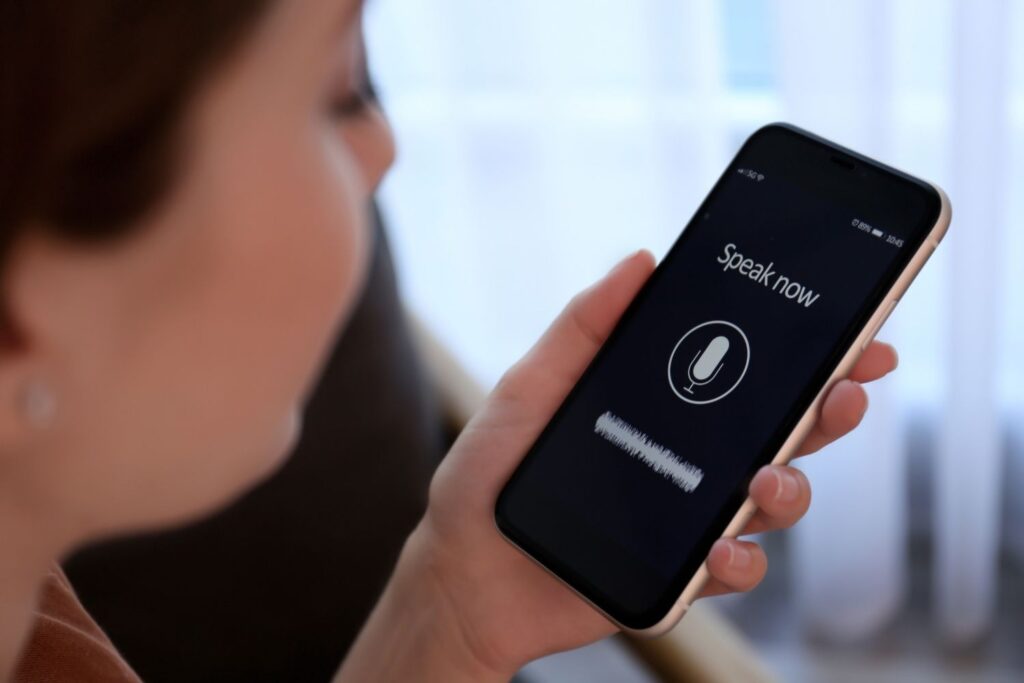
Before signals like this existed, microphone access was largely invisible. Users relied on settings pages rather than real-time awareness.
The orange dot brings hidden system behavior into everyday view. It becomes part of the phone’s visual language, offering transparency through presence rather than interruption.